


Be aware of Cyber Monday scams
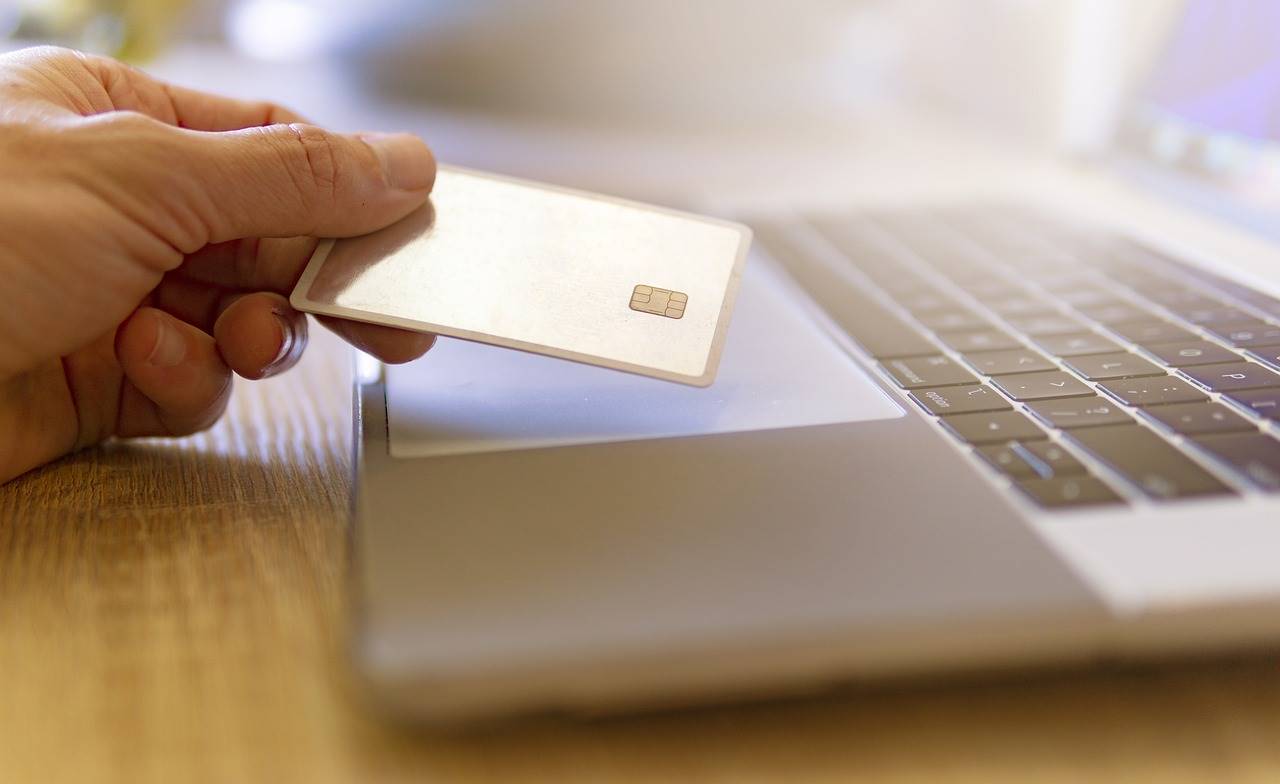
According to Forbes, in 2024, 20.1 percent of retail purchases are expected to take place online, but with $41 billion lost to e-commerce fraud in 2022, online shoppers need to be more careful than ever before.
Staying vigilant against the common social engineering tactics used by cybercriminals is the best way to protect yourself from becoming a victim of cybercrime. The following is a list of dos and don’ts to help you identify scams and avoid becoming victimized.
- Do use a credit card — To keep your checking and savings accounts secure, use a credit card when shopping online. Major credit cards offer zero liability for unauthorized transactions and will alert you to suspicious charges. If you use a debit card, you could give a cybercriminal access to your bank accounts.
- Don’t save your card information — Retailers often ask if you want to store your card information on their site for faster checkout in the future. It's a good idea to decline this option to reduce the chances of having your card information compromised in a retailer data breach.
- Do make sure the site you’re using is secure — Submitting information like credit card info on a site that is not secure increases the likelihood that a cybercriminal will gain access to it. When shopping online, check the URL in your browser to make sure the site you’re using is secure. Google Chrome and Firefox will show a locked padlock on secure sites. If you’re using Internet Explorer, check that the URL starts with https rather than http. When unsure, try to stick with big-name retailers that you know and trust.
- Don’t fall for phishing emails — If you receive an email that, at first glance, appears to be from a legitimate company, hover your mouse over the hyperlinks to see if it includes a valid URL for that company. Next, scan the email for spelling and grammar mistakes. Then look at the sender’s email address to see if it matches the company’s website domain. If you see any reason to suspect it might be a phishing scam, delete it immediately. Cybercriminals will often include attachments in phishing emails. Opening these attachments could result in downloading malware on your computer. Legitimate retailers also don’t force you to open attachments to see a deal, so if an email directs you to open an attachment, it’s best to assume it’s a scam.
- Do change your passwords — If you shop online frequently utilizing multiple retailers, you need to have a different password for every site. If you don’t, and a cybercriminal obtains your password on one site, they will gain access to all of your accounts.
- Don’t use public Wi-Fi — The more people who have access to the network you’re using, the greater possibility that someone else could access your accounts. When making purchases online, it’s best to use a private Wi-Fi network rather than a public one.
- Do monitor your bank and credit card accounts — Even if you are careful and take every precaution, a cybercriminal could still access your account. That’s why it’s important to check your bank and credit card accounts regularly for any suspicious charges. If you notice one, contact your bank or credit card issuer immediately.